Extract
info
Before you start.
- You need a case with a working Request.
- A value you extract is stored in a variable. Another case can read it as
{{run.name}}only if it runs after this case and the variable is declared on the Variables tab.
The Extract tab
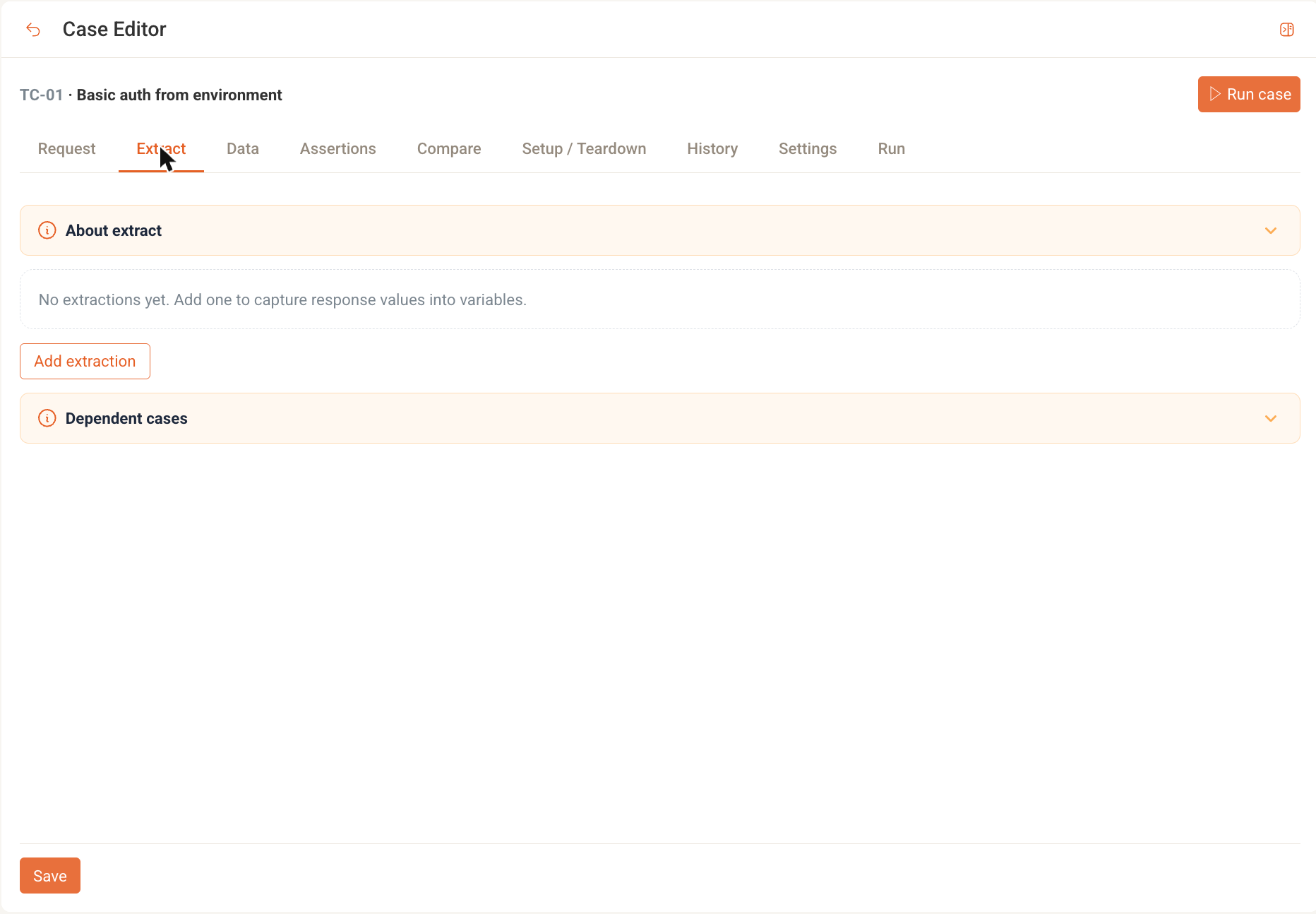
No extractions yet: Add extraction button and the Dependent cases panel.
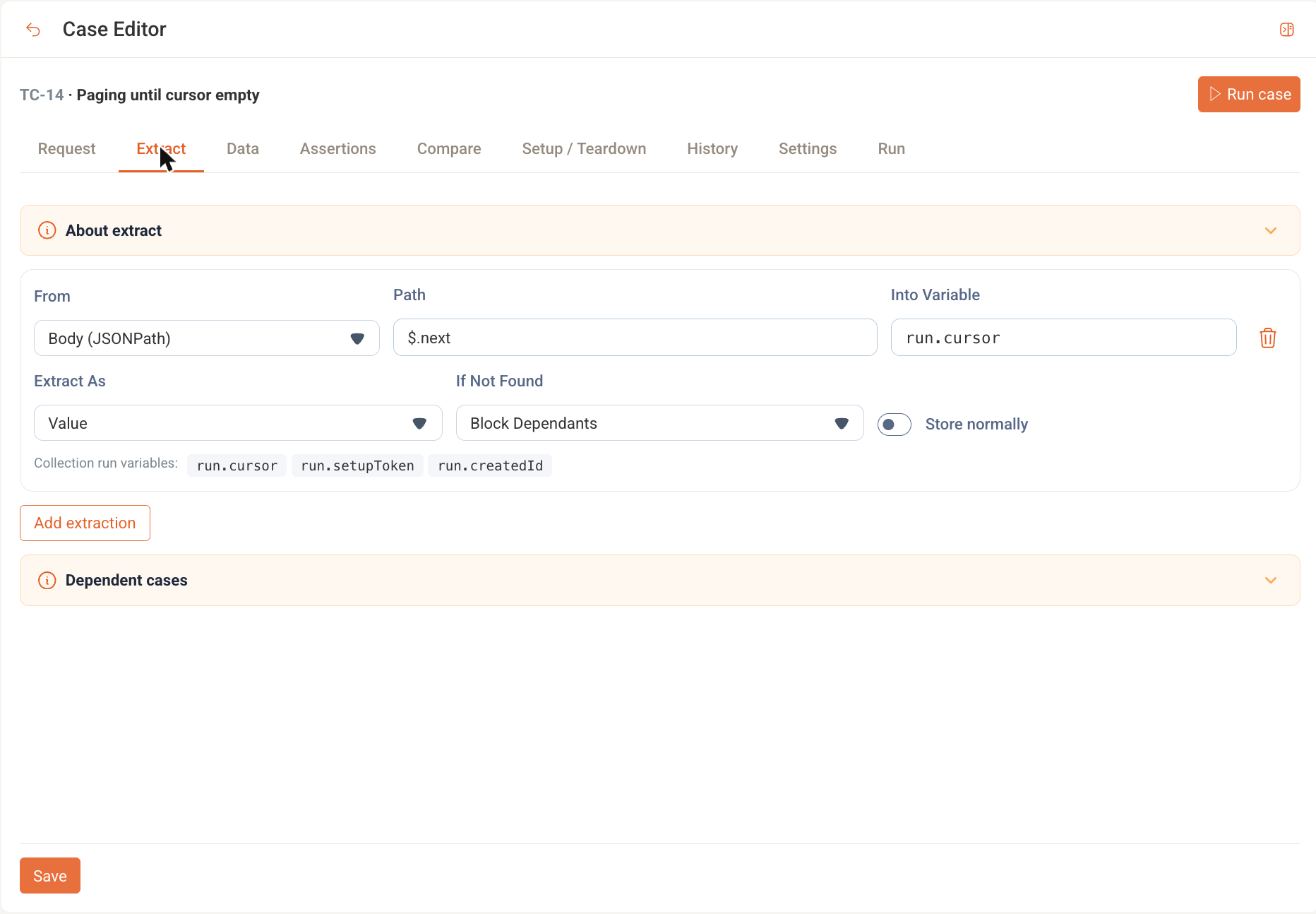
Filled example (TC-14): From = Body…, Path = $.next, Into Variable = run.cursor, Extract As = Value, If Not Found = Block…, "Store normally" toggle, run variable chips.
Purpose: save values from the response into variables for later steps. The Add extraction button adds a row; empty state: "No extractions yet. Add one to capture response values into variables."
| Element | Source / options | Function & result |
|---|---|---|
| From (source) | HTTP: BODY_JSONPATH, BODY_XPATH, HEADER, COOKIE, STATUS, BODY_RAW | The part of the response that is read. JSONPath for JSON, XPath for XML/SOAP. |
| Path | You enter (placeholder "Path or header name") | A JSONPath/XPath expression, or a header/cookie name. Not needed for STATUS/BODY_RAW. |
| Into Variable | Declared run variables, or a local name without prefix | Where it is stored. run.x → for later cases; a plain name → this case only. |
| Extract As | Value, Item count, Total item count (all iterations) | Only shown when the source can be counted. Value = the content; Item count = number of matches (0 if none, never blocks); Total = accumulated over all iterations. |
| If Not Found / When Not Found | Block Dependants or Set Null | If the path is not found: dependent cases are blocked, or the variable is set to null. |
| "Store normally" / "Mask stored value" toggle | Toggle | Masks the value in run results (for tokens/sensitive data). |
| Remove extraction | Row button | Deletes the rule. |
| Dependent cases | Automatic | Other cases that depend on values this case writes (empty: "No later cases currently depend…"). |
| Collection run variables | Automatic | Chips of run variables available as targets. |
